Begin with familiar paperwork
Prepare the enrollment documents your program already uses, or customize a starting template. Review the fields, instructions, and requested information for your program.
Bring enrollment inquiries, contact updates, and everyday family forms into a more organized online workflow.
Explore templates →Log in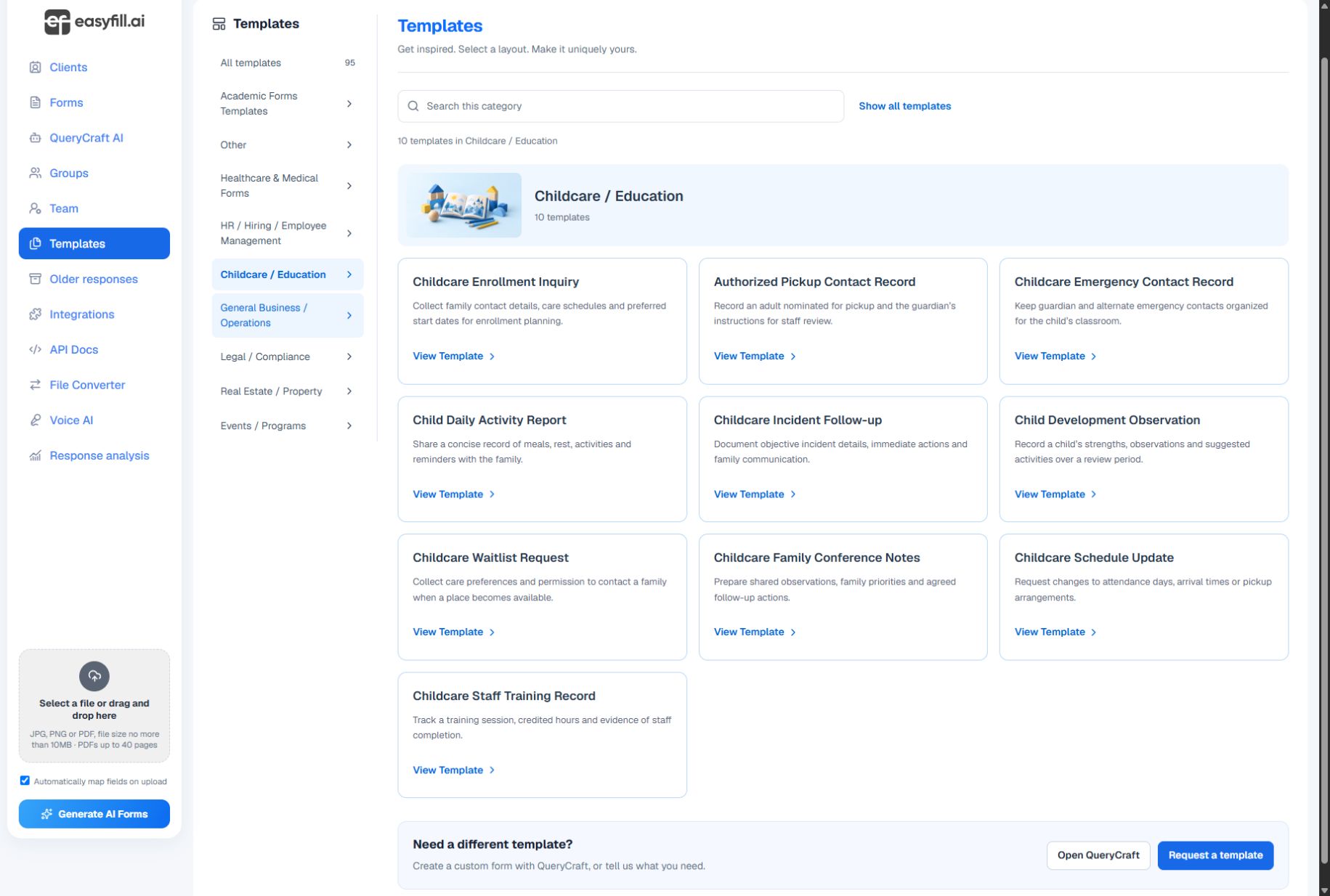
Prepare the enrollment documents your program already uses, or customize a starting template. Review the fields, instructions, and requested information for your program.
Connect a child or other relative to a client profile for lookup. Keep pickup contacts, guardian information, and form requests organized around the people they concern.
Use clear field labels, email and phone types, and sensible required questions. Preview the form on a phone as well as a desktop before sharing it with families.
Templates are starting points, not a guarantee that a document meets every local requirement. Have the responsible person review your program’s language and requirements before publishing.
Start with a clear question, review the result, and share when you are ready.
Explore templates →