Enrollment and education
Start with enrollment inquiries, emergency contact records, family updates, and other education workflows. Adapt every template to your own program and requirements.
Explore form templates by task. Customize the questions and layout before turning a template into your own published form.
Watch template setup →Log in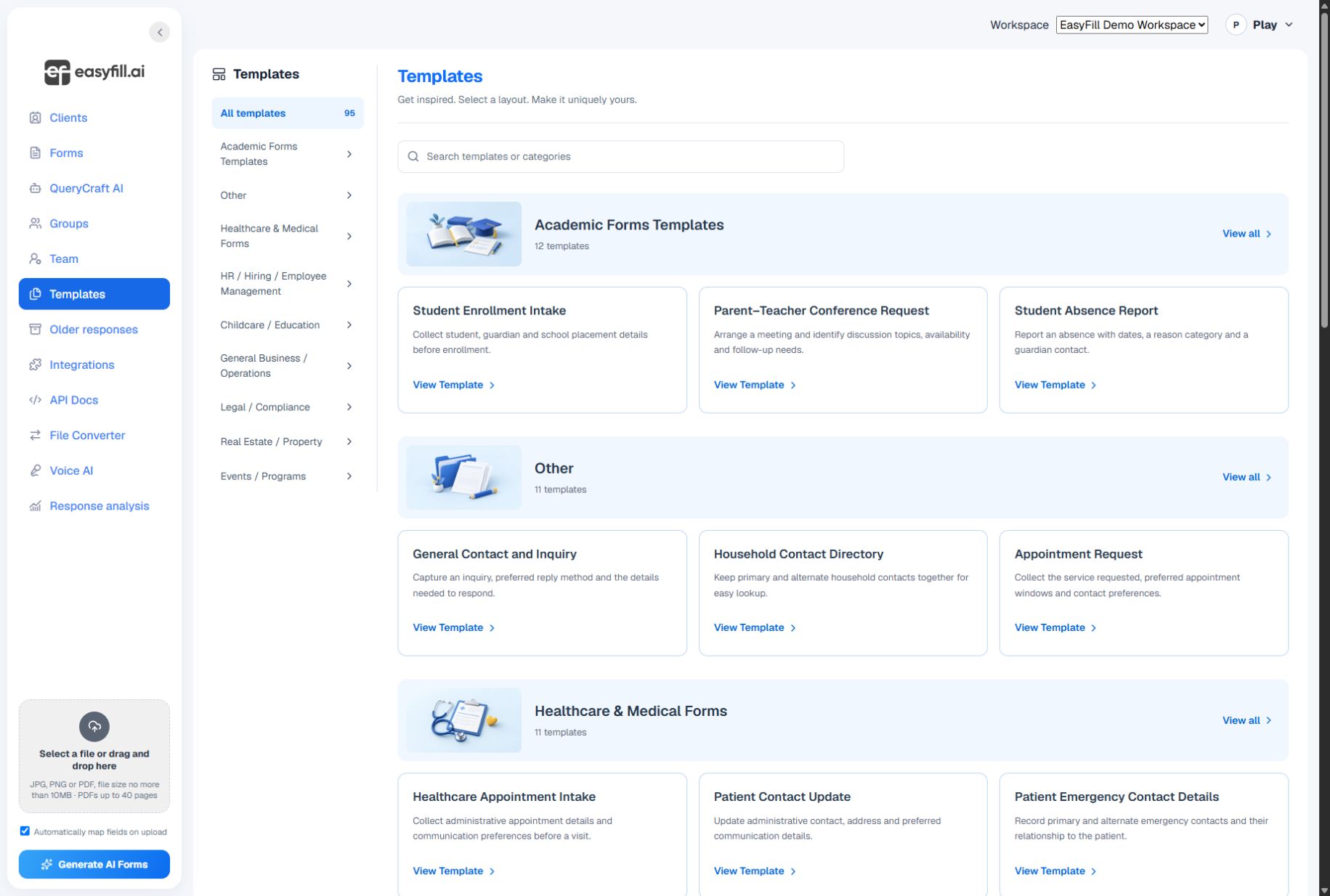
Start with enrollment inquiries, emergency contact records, family updates, and other education workflows. Adapt every template to your own program and requirements.
Explore contact forms, service requests, employee updates, and onboarding checklists. Remove questions you do not need and choose the right answer types.
Open a template preview to inspect its questions. Use Customize template to change labels, required answers, question order, and available choices.
Create your draft, review it in the editor, and save the final layout. Publish only when you are ready to share. Templates do not automatically become a live form.
Start with a clear question, review the result, and share when you are ready.
Watch template setup →