Create with more control
Start from a PDF or a template. Use text, email, phone, date, dropdown, checkbox, radio, and signature fields. Choose required questions and arrange related details together.
Create, refine, share, and organize forms in one place. Choose the tools that fit the way your business collects information.
See PDF forms →Log in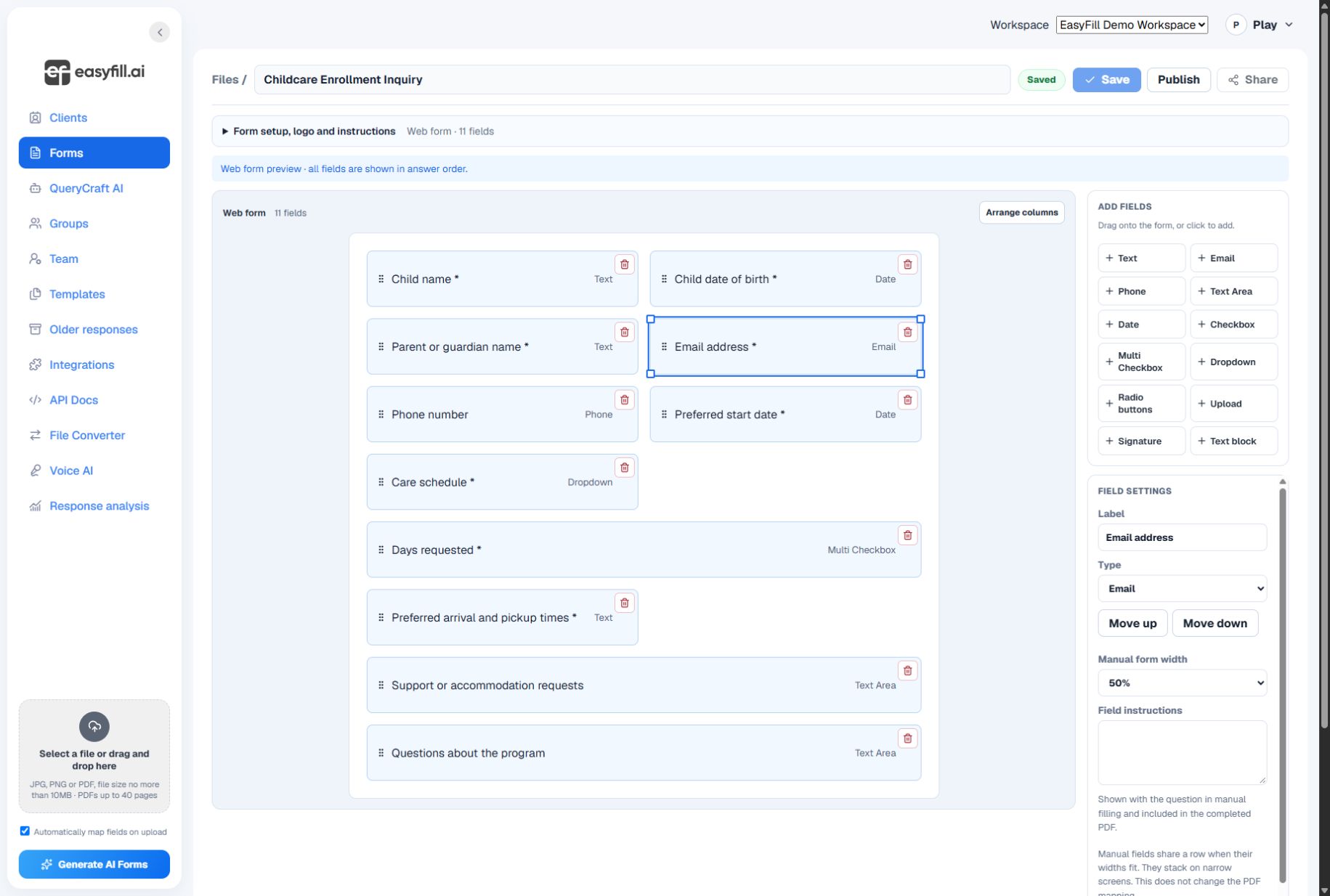
Start from a PDF or a template. Use text, email, phone, date, dropdown, checkbox, radio, and signature fields. Choose required questions and arrange related details together.
Review placement and sizing on PDF pages. For questions that ask people to circle an answer, use the circle field on a PDF. Test the completed result before sending the form to clients.
Maintain client profiles and related contacts, then follow the requests connected to them. Give your team access appropriate to their responsibilities.
Search submissions, review individual responses, and export a spreadsheet when you need to work with the information elsewhere. Available options depend on the form and your account.
Start with a clear question, review the result, and share when you are ready.
See PDF forms →