Start with the form you already have
Bring your existing PDF into EasyFill, review the mapped fields, and adjust the details before you share. Keep the familiar document layout while giving people an online way to complete it.
Turn everyday forms into a smoother experience. Create online forms, prepare fillable PDFs, and keep your client information together in EasyFill.ai.
Explore the features →Log in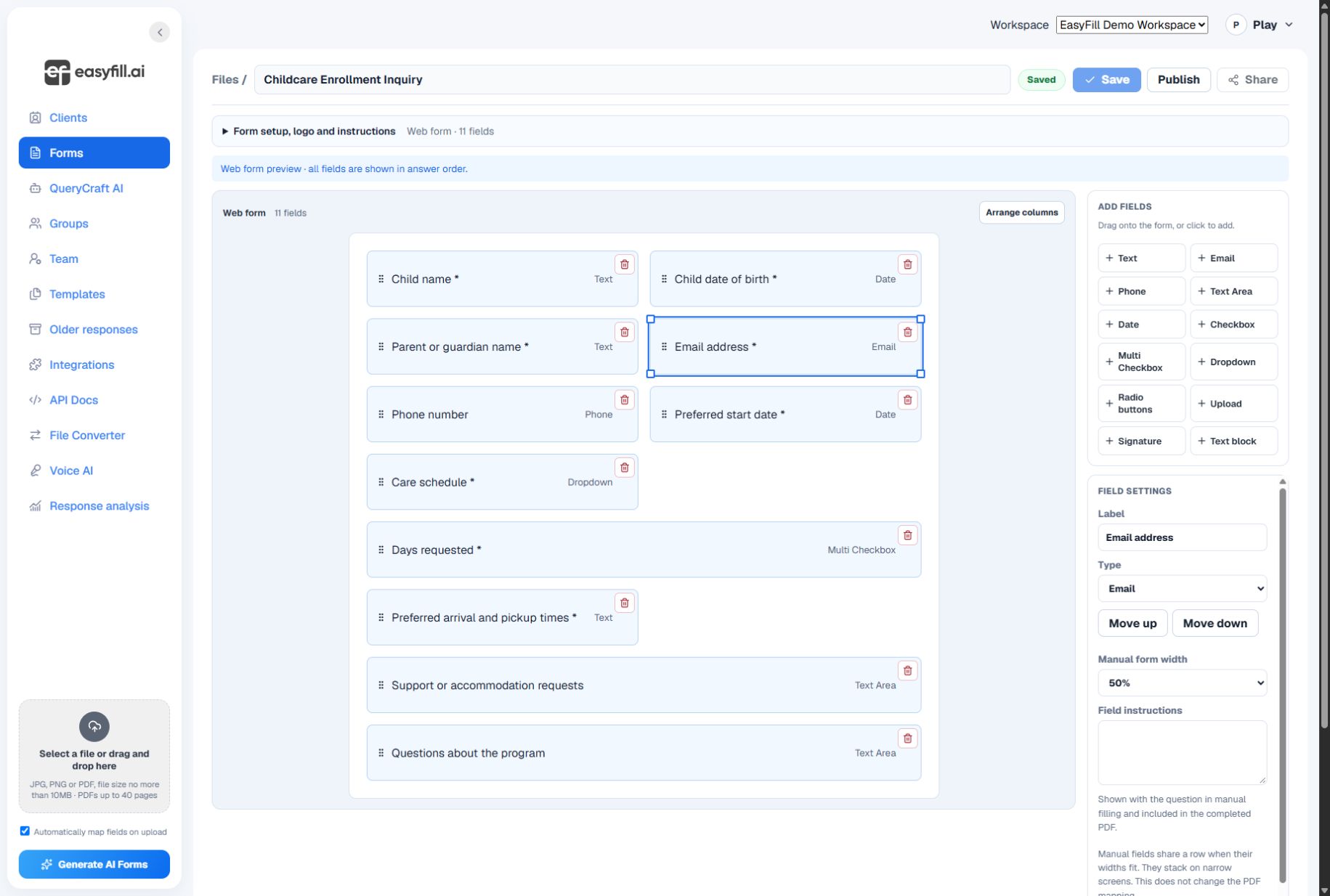
Real EasyFill screens • Desktop and mobile web • Demo data
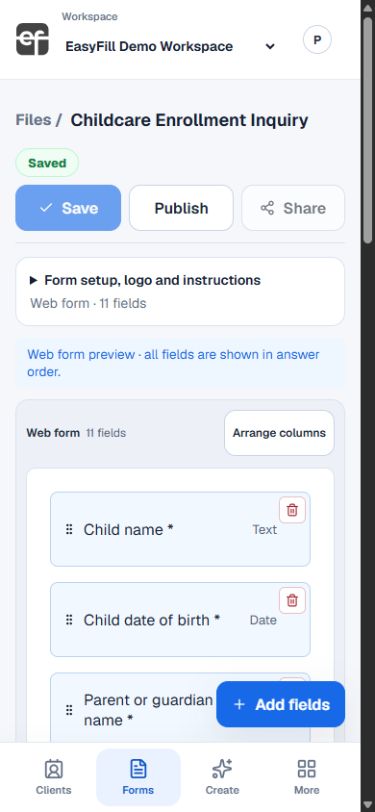
Manage forms, clients, and responses from your Android phone. Sign in with your existing EasyFill.ai account and keep work moving wherever your day takes you.
 Download onGoogle Play ↗
 App Store
Android available now · iPhone app coming soon
Real EasyFill mobile interface · Demo data
EasyFill.ai is an online form builder for creating forms, adding fillable fields to PDFs, collecting electronic signatures, and organizing client responses. Start with a template or your own PDF, review and save your fields, then publish a link or embed the form on your website.
Use it for childcare enrollment, client intake, and everyday business forms. Manage access for your team and work from the web or Android app.
Bring your existing PDF into EasyFill, review the mapped fields, and adjust the details before you share. Keep the familiar document layout while giving people an online way to complete it.
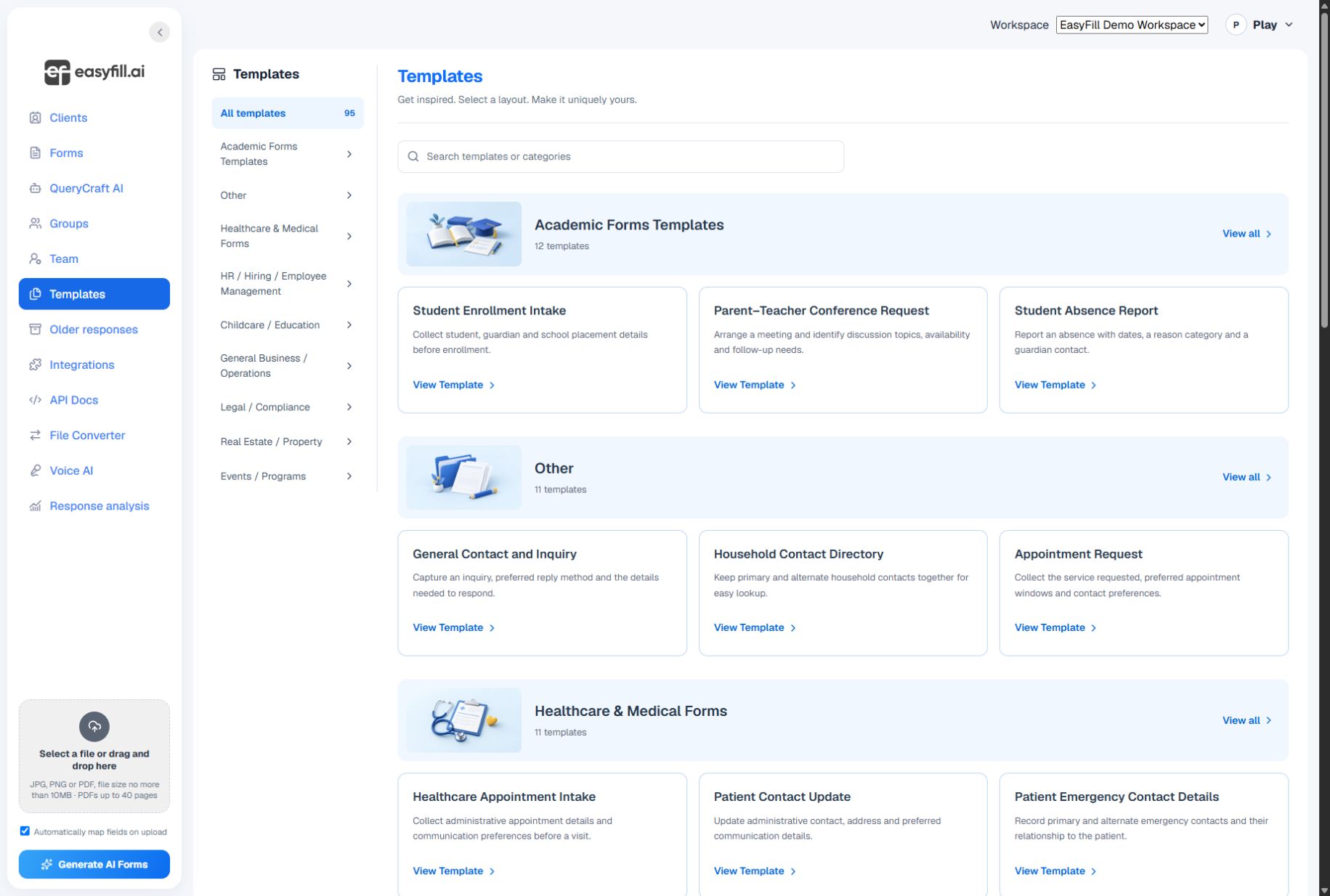
Choose a starting point for enrollment, client intake, business requests, or events. Edit the questions, set the right field types, and make the form your own.
Keep client profiles close to your forms. Organize related people, request the information you need, and return to the responses when it is time to follow up.
Before sending a form, check its questions and layout, save your changes, and publish it. Then use its current sharing link or embed settings.
Turn childcare enrollment paperwork into an online packet with reviewed fields, signatures, parent contact details and a completed PDF.
Upload a PDF, review automatic mapping, choose field types, test a completed response and publish a fillable form with EasyFill.ai.
Review, save and publish your EasyFill.ai form, copy its share link or embed code, and test it on your website before collecting responses.
Start with a clear question, review the result, and share when you are ready.
Explore the features →Explore the startup program, check eligibility, and complete the original application.
EasyFill.ai for Startups →Bring volunteer, program, and participant forms together. Find resources for your nonprofit.
EasyFill.ai for Nonprofits →