Ask for the essentials first
Group contact details, service interests, timing, and follow-up preferences into a logical form. Use appropriate field types so information is easier to use later.
Collect the information your business needs for the next step, without making a new client work through unnecessary questions.
See client management →Log in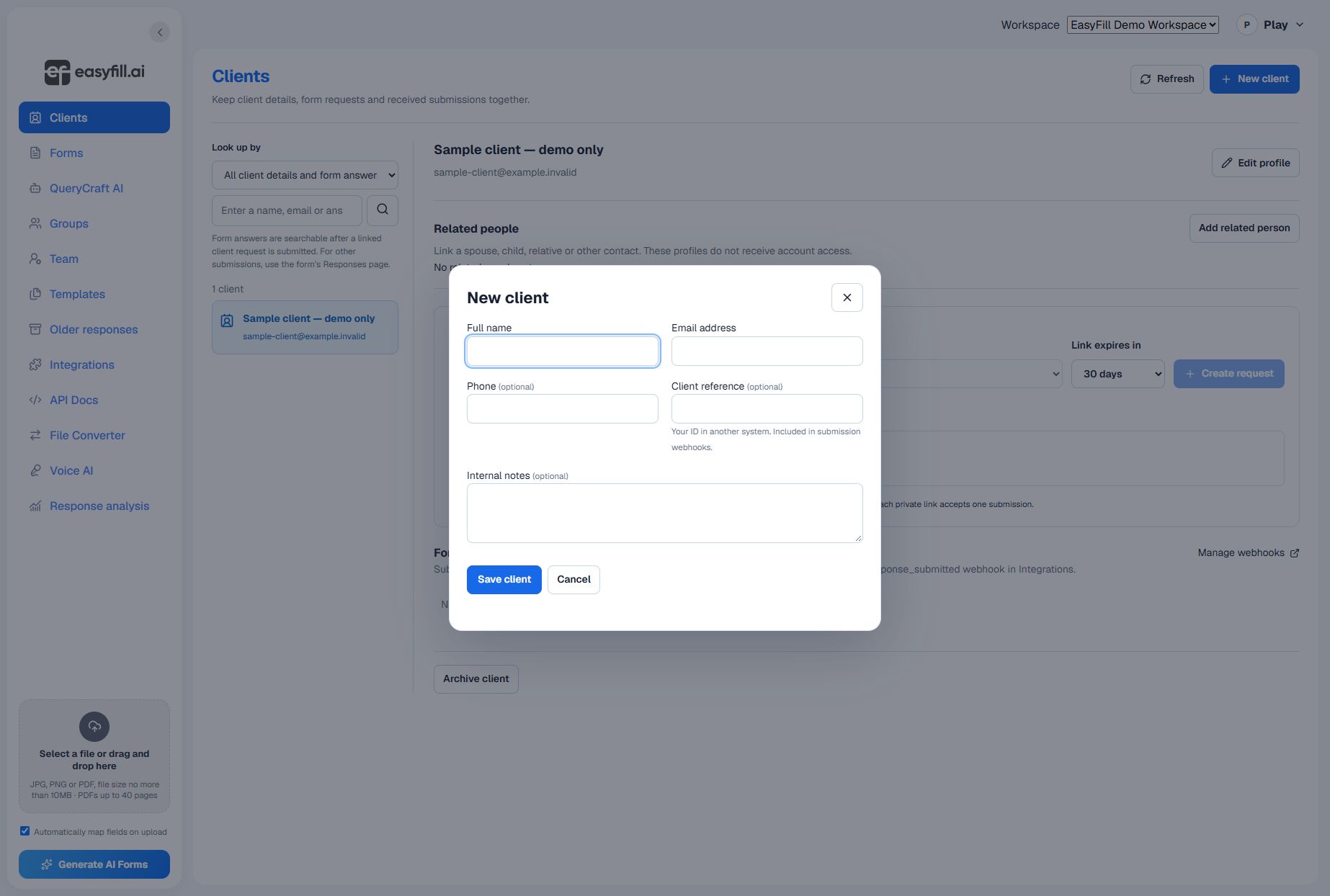
Group contact details, service interests, timing, and follow-up preferences into a logical form. Use appropriate field types so information is easier to use later.
Customize a template or bring your own PDF. Add instructions where a question needs context and mark only the genuinely necessary answers as required.
Publish the reviewed form and use its current sharing options. If you embed it on your website, configure the allowed website settings and test the embedded experience.
Find the client’s response, review the details, and export a spreadsheet when useful. Keep sensitive information out of public examples and analytics tools.
Start with a clear question, review the result, and share when you are ready.
See client management →